In today's high-intensity digital workplace, productivity often comes down to one thing: how many streams of information your workstation can hold at once. More screens and more connected devices mean greater efficiency, creativity, and collaboration. Building on that insight, PURPLELEC has launched two expansion tools that target very different productivity bottlenecks: the HBC100 Triple HDMI USB-C Hub for display expansion, and the HDU4H Dual HDMI Input Video Capture Card for content capture. One turns a single port into three 4K displays; the other brings two HDMI sources into your host at the same time. From the output side and the input side, together they break the limits that a single interface imposes on your workflow.
The Single-Port Ceiling Is Slowing Modern Work Down
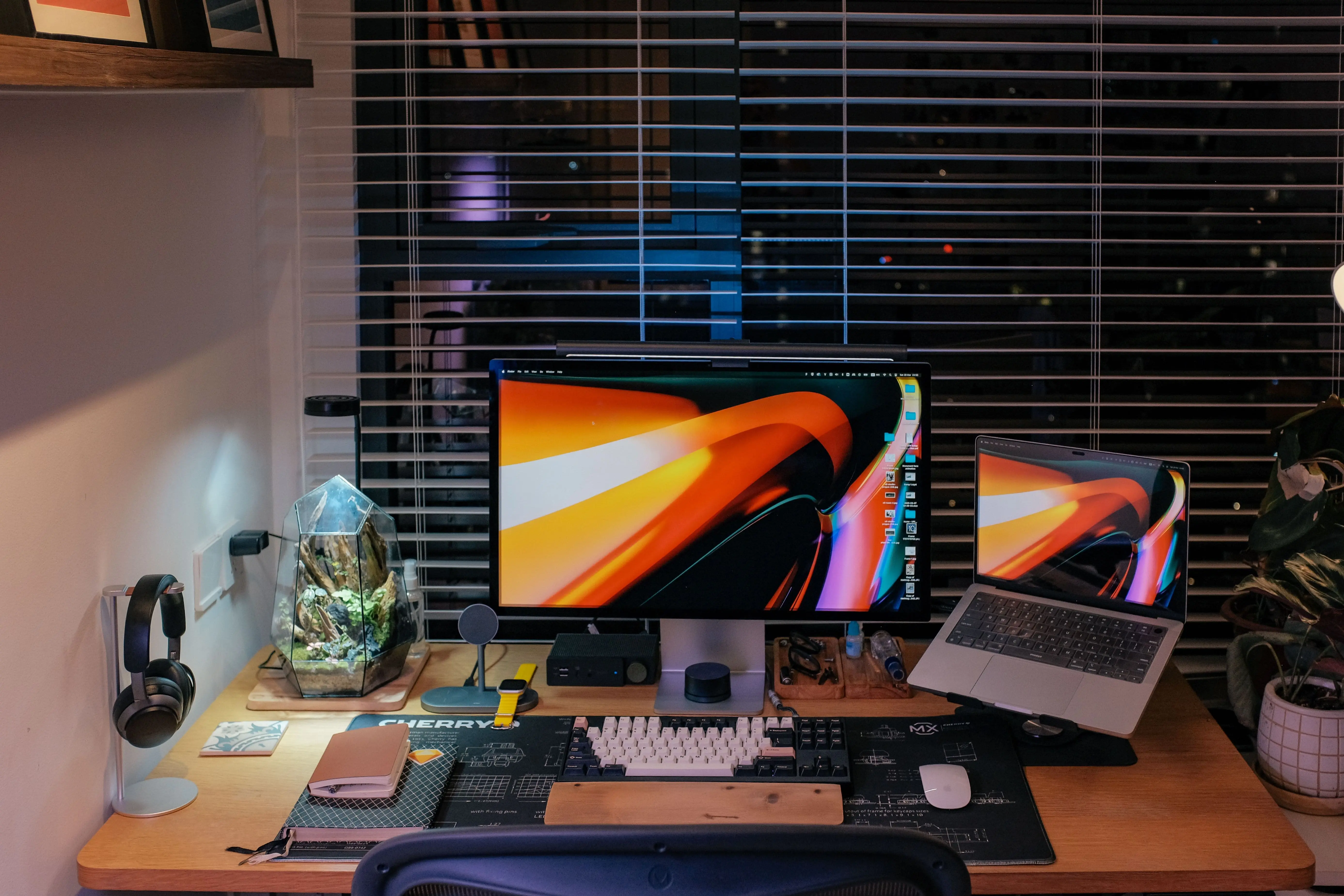
Whether it's an Apple Silicon (M1/M2/M3/M4) MacBook or one of the many slim business laptops, ports are getting more integrated, yet the number of external displays the hardware can natively drive remains limited. Entry-level M-series MacBooks, for example, may natively support only one external display, and even newer models support a limited number. For users who need to spread several windows across their workspace, that's a real constraint.
Content creation faces the same "not enough ports" problem from the other direction: live streaming, lecture recording, and multi-camera shoots often require bringing in both the host image and an external device feed at once, and single-channel capture simply can't handle dual sources.
The HBC100 and HDU4H are designed to solve these two bottlenecks respectively—the former dramatically expands screen real estate without a costly machine upgrade, while the latter lets a single host effortlessly capture and pass through two HDMI signals.
Spotlight on the HBC100: One Port, Three 4K@60Hz Displays
Key Features
The HBC100 is a USB-C hub built for heavy multitasking. Whether you're a video editor, data analyst, or finance professional, it expands a single USB-C / Thunderbolt / USB4 port into three HDMI display outputs, each supporting up to 4K@60Hz, instantly turning a laptop into a triple-screen workstation.
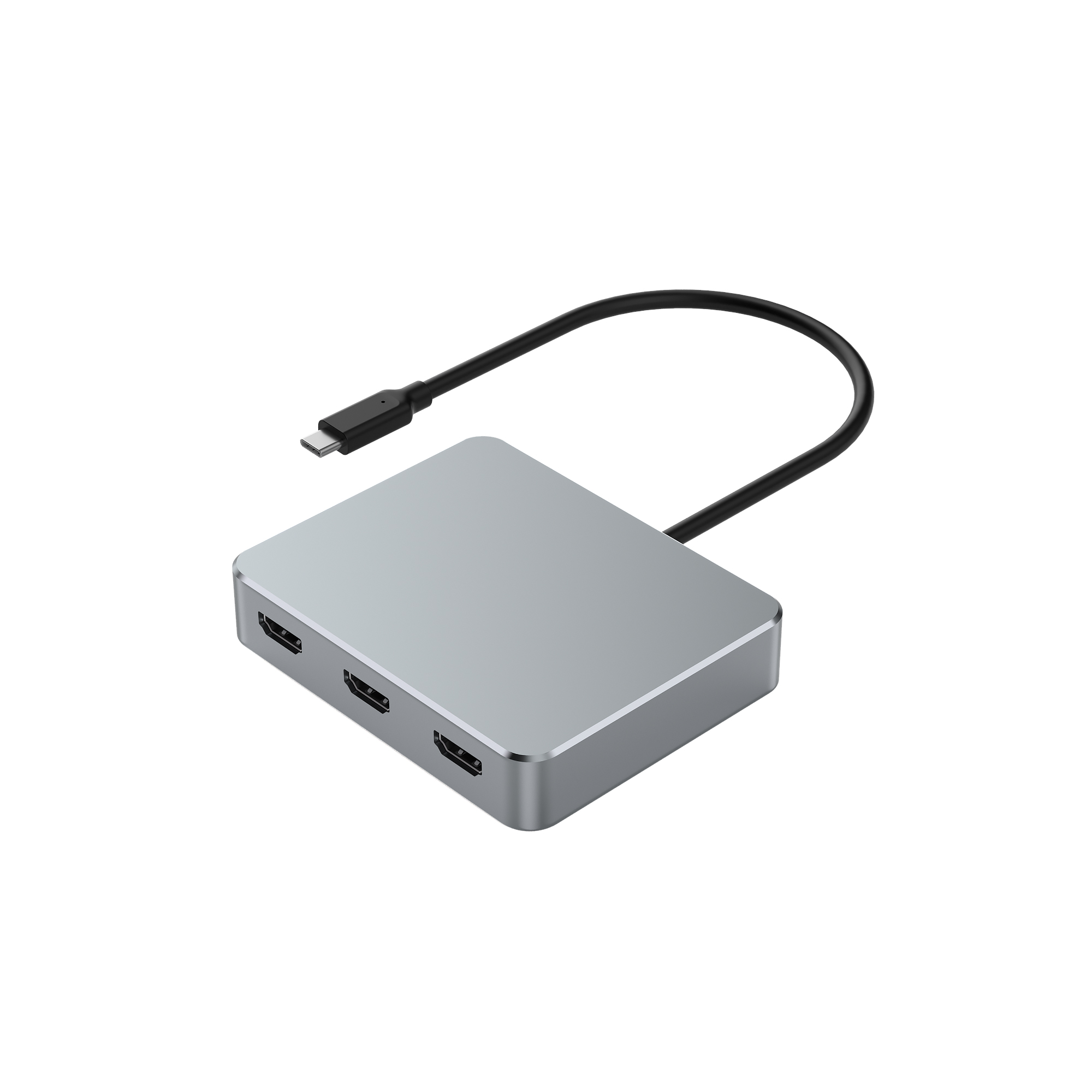
One Port, Three Ultra-HD Screens
With three ultra-HD displays connected, multitasking reaches a new level. Spread an editing timeline across one screen, run asset libraries and a browser on another, and keep communication and meeting tools on a third—dramatically cutting the friction of constant window switching.
A Low-Overhead Multi-Display Solution
The HBC100 uses an efficient multi-display processing approach that offloads the rendering work of the additional screens from the host, driving multiple monitors while keeping system-resource usage low. The result is a more stable, fluid multi-screen experience—no stutter, no heat buildup.
Mirror and Extend Modes
Whether you need to mirror your screen for a presentation or extend your desktop for focus and efficiency, the HBC100 adapts flexibly to the way you work.
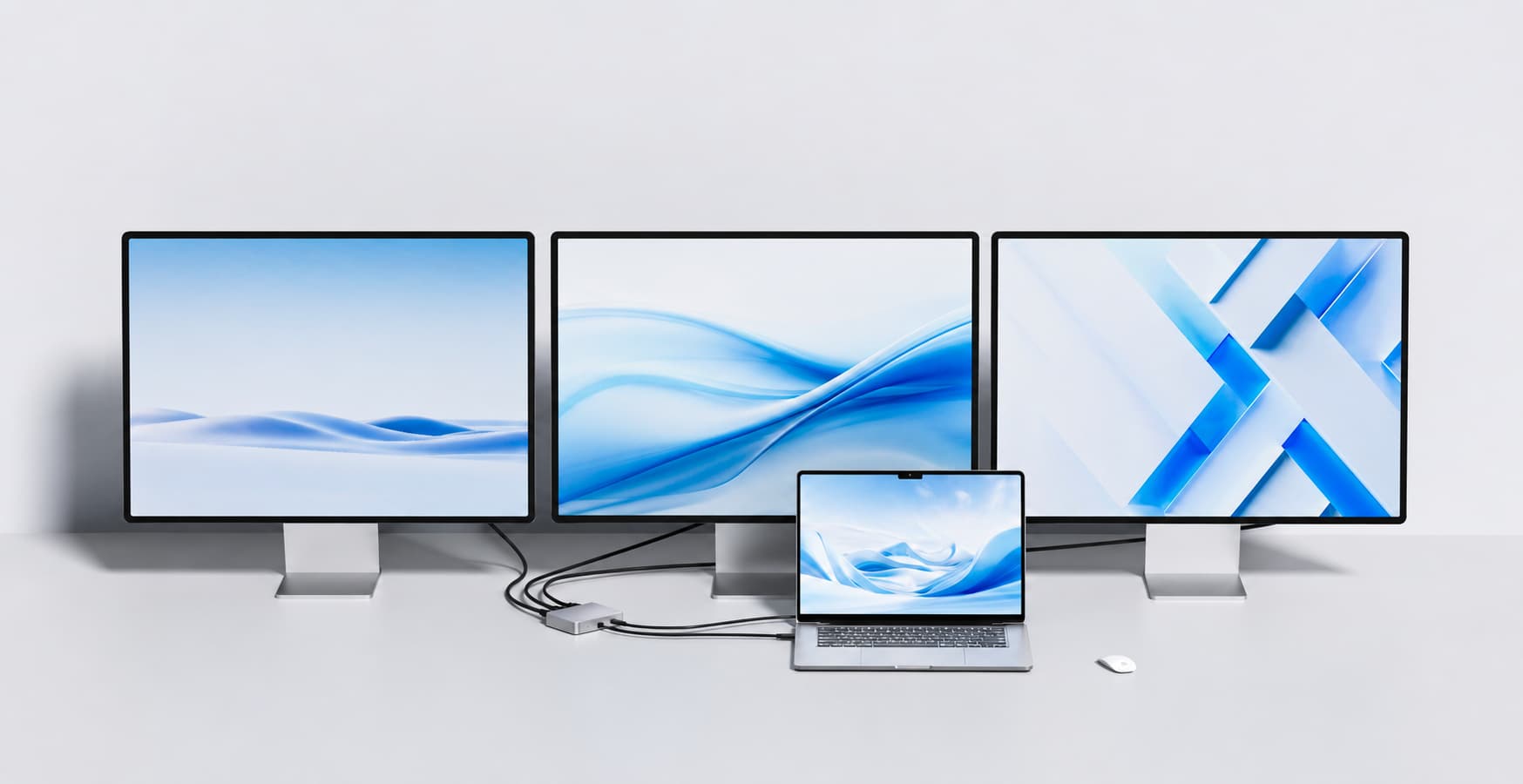
A Compact, Tidy Desktop Setup
Despite its expansion power, the HBC100 keeps a slim, compact form and connects to the host through a single USB-C cable, reducing desktop clutter and keeping a multi-screen station clean.
Spotlight on the HDU4H: Dual HDMI Input, Built for Content Production
Designed for Creators and Professional Streaming
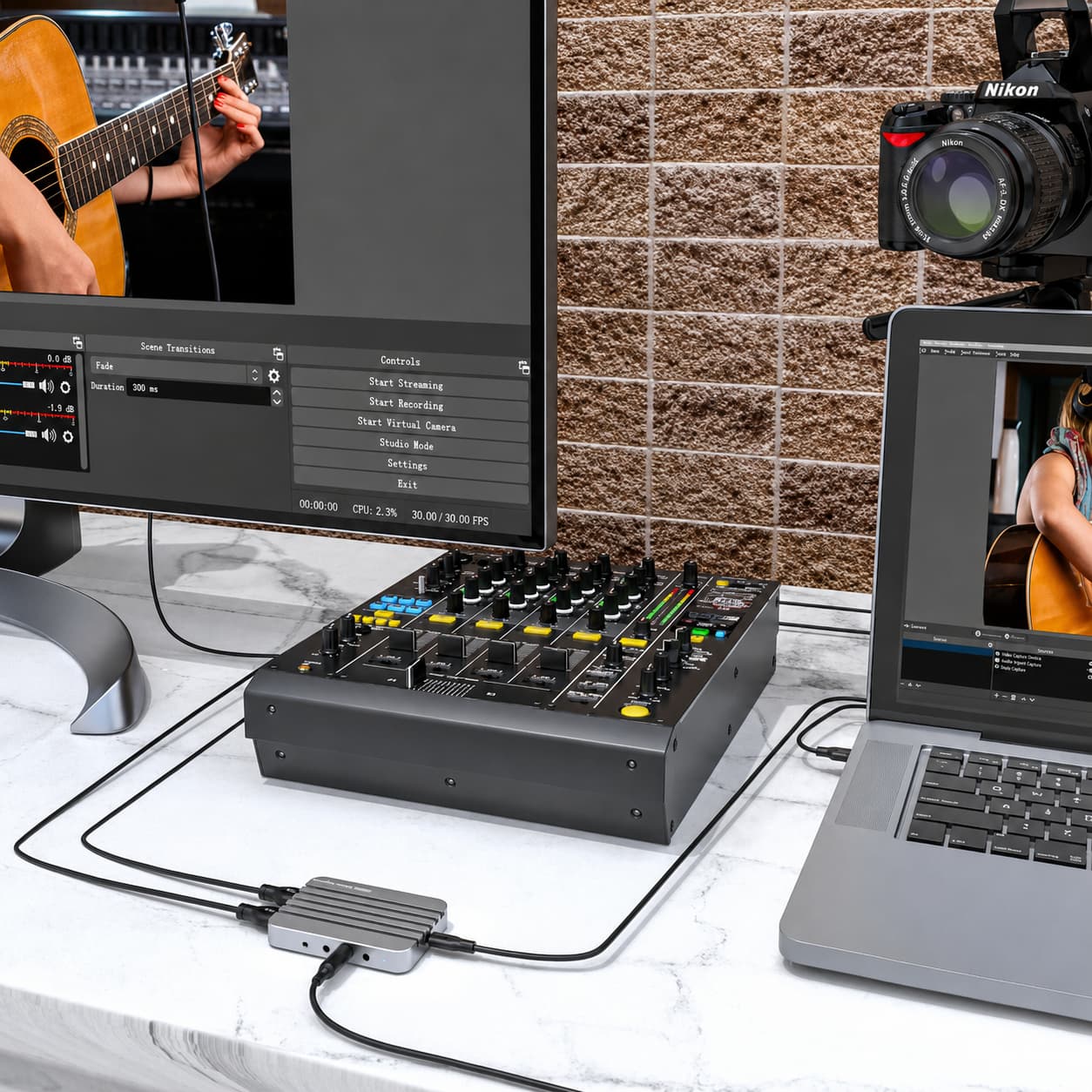
The HDU4H is a dual HDMI input capture card built for live streaming, recording, lecture capture, and multi-camera content production. It lets users easily bring HDMI sources—game consoles, cameras, a second computer—into the host for capture and re-broadcast, making it a productive tool for content creators.
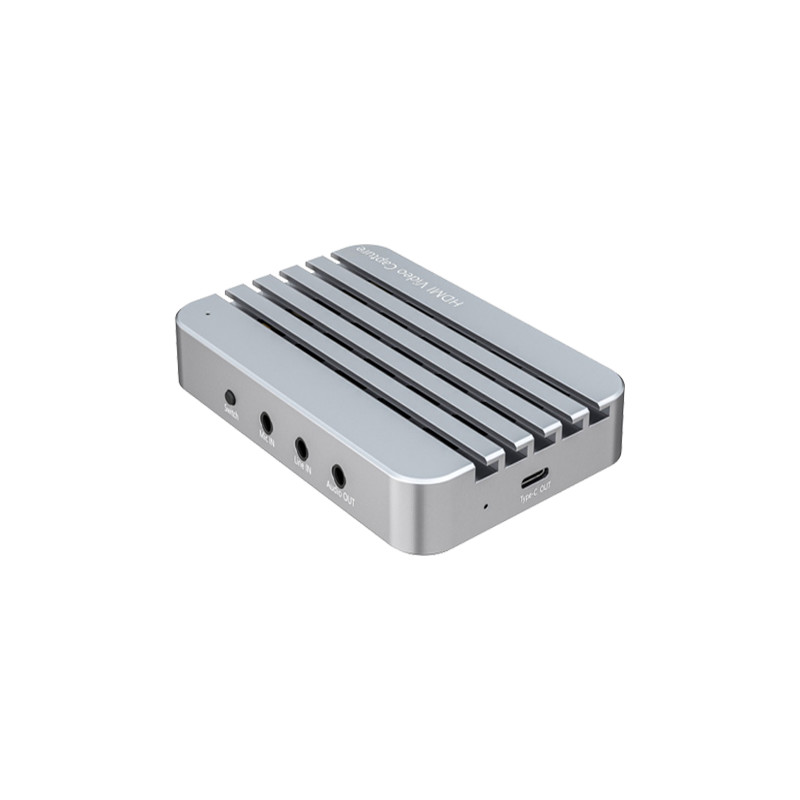
Dual HDMI Input + 4K@60Hz Loop-Out
Based on the HDMI 2.1 spec, the HDU4H supports loop I/O up to 4K@60Hz, passing the original high-definition image through to a monitor or TV without loss while you capture. USB capture streaming is supported up to 1080P@60Hz, balancing clarity and smoothness for everyday office and entertainment use. A physical key lets you switch the capture source, giving you flexible control between the two inputs.
USB-C, Driver-Free, Plug and Play
The HDU4H uses a USB 3.2 Type-C host interface and follows the UVC / UAC standards, so it's driver-free and plug-and-play—recognized by mainstream streaming and recording software the moment it's connected, lowering the deployment barrier.
Professional Audio Mixing
The device supports a 48kHz audio sample rate and includes a 3.5mm Line-IN mixing port, allowing you to feed in a microphone or electronic instrument for audio mixing—ideal for live commentary, voiceover, and on-site performance.
A Rugged, Integrated Housing
The HDU4H features a CNC integrated aluminum-alloy housing that is durable and good for heat dissipation, making it well suited to long streaming sessions and high-load recording, and easy to carry to different shoots and events.
Expand Your Capabilities Without a Full Machine Upgrade
Many professionals are pushed toward buying higher-spec gear just to gain one more display port or one more capture channel. The HBC100 and HDU4H offer a more economical, flexible path: without replacing the host, your existing laptop or workstation gains triple-display expansion and dual-channel capture, letting you direct investment to the work that actually creates value.
For enterprise IT and large-scale deployment, this "augment capability with accessories" approach also makes it easier to standardize workstation configurations across a mixed fleet.
Performance and Compatibility Overview
Broad Platform Compatibility
The HBC100 is compatible with hosts that support Thunderbolt 3/4, USB4, and standard USB-C, working with Mac, PC, and Chromebook. The HDU4H connects via a USB 3.2 Type-C interface and, thanks to its driver-free UVC/UAC design, deploys easily across platforms.
Efficient, Low-Overhead by Design
Both products treat low system overhead and stable operation as core design goals. The HBC100 minimizes host-resource consumption when driving multiple displays; the HDU4H, with hardware-level processing and a driver-free architecture, reduces system load during capture for lower heat and steadier long-session performance.
Use Cases and Productivity Value
Creative Professionals and Power Users (HBC100)
For video editors, graphic designers, 3D animators, and developers, a multi-display setup is essentially a must. The HBC100's triple-screen space is enough to spread timelines, previews, scripts, and tool panels at once, meaningfully boosting efficiency and focus.
Education and BYOD Collaboration (HBC100)
Lightweight and durable, the HBC100 suits education and hybrid-office settings. Students or team members simply plug into any HDMI-capable display to move quickly into presentation or collaboration.
Remote Work Multi-Screen Stations (HBC100)
As remote and hybrid work spread, a clean, efficient home setup matters more than ever. The HBC100 lets almost any laptop build a dual- or triple-screen workstation, cutting window switching and lifting output.
Live Streaming, Lecture Capture, and Multi-Camera (HDU4H)
The HDU4H's dual HDMI input is especially suited to live commerce, game streaming, online education recording, and multi-camera content production. A single card brings in two sources at once, and combined with 4K@60Hz loop-out and audio mixing, it lets one setup handle a more complex production pipeline.
How to Choose and Combine the Two
If your core need is expanding display space and boosting multitasking—turning one port into multiple 4K screens—the HBC100 is the direct answer. If your core need is content capture and live recording—bringing in and passing through multiple HDMI signals at once—choose the HDU4H. The two also complement each other: use the HBC100 to build a multi-screen monitoring and editing station, and the HDU4H to capture and output multiple sources, forming a complete content workflow from production to presentation.
OEM/ODM Customization and Supply
As a manufacturer with years of experience in digital expansion accessories, PURPLELEC offers full OEM/ODM customization for both the HBC100 and HDU4H, covering private label, hardware and appearance design, firmware features, certifications, accessories, and packaging, with MOQ and lead time planned flexibly around each project (HDU4H MOQ starts at 500 with free logo). Warranty and technical support are provided to help brand customers and channel partners bring projects to market with confidence.
For detailed datasheets, samples, or customization proposals, contact the PURPLELEC sales team.
FAQ
Q: Can the HBC100 expand a laptop that natively supports only one external display?
A: Yes. The HBC100 is designed precisely to break the single-port multi-display limit, expanding up to three HDMI display outputs through a single USB-C port.
Q: Do all three HDMI outputs on the HBC100 support 4K 60Hz?
A: A single HDMI output on the HBC100 supports up to 4K@60Hz. The exact resolution/refresh rate when driving all displays at once depends on your host's port spec and bandwidth, so it's best to confirm with your specific model.
Q: Can the HDU4H capture 4K footage?
A: The HDU4H's loop-out/pass-through supports up to 4K@60Hz, passing the original 4K image through to your display without loss; USB capture streaming is supported up to 1080P@60Hz. In short: what you see via loop-out is 4K, while what is captured into your PC/streaming software is up to 1080P@60Hz.
Q: Does the HDU4H need a driver?
A: No. The HDU4H follows the UVC/UAC standards and is plug-and-play over USB-C, recognized directly by mainstream streaming and recording software.
Q: Can these products be used on non-Mac devices?
A: Yes. The HBC100 is compatible with Windows PCs and Chromebooks equipped with USB-C, USB4, or Thunderbolt; the HDU4H connects via a USB 3.2 Type-C interface and is cross-platform.
Q: Do I need any extra accessories?
A: Generally no—just your host, your device, and your existing HDMI cables to get connected and running.









